How to Connect a Printer to Your PC
Learn how computers and printers communicate through USB, Wi-Fi, printer settings, print queues, and default printer options.
Explore easy-to-follow educational guides about printer drivers, device drivers, Windows updates, router basics, email access, and everyday computer behavior.
Beginner Friendly
Easy language
Educational Only
No repair service
Source Based
Official references
A device driver is software that helps the operating system communicate with hardware. This section gives readers a simple starting point before they read detailed how-to articles.
These pages explain computer and device concepts for learning purposes. The website does not sell software, remote repair, phone support, or technical service packages.
Driver Learning Path
Learn how printer setup, printer drivers, and printer connection settings work inside Windows.
Understand the basic role of drivers as a communication layer between Windows and hardware.
Devices may connect through USB, Wi-Fi, Bluetooth, or built-in system components.
Start with basic articles about drivers, device settings, printer queues, Windows updates, and common terms.
Choose a category, read the guide, and use official references for deeper documentation.
Learn how computers and printers communicate through USB, Wi-Fi, printer settings, print queues, and default printer options.
Understand why drivers help a computer recognize hardware such as printers, audio devices, USB devices, and network adapters.
Read about Wi-Fi signals, router lights, network names, connection status, and limited or no internet messages.
Learn how email accounts, inbox folders, syncing, spam folders, login access, and account settings are commonly understood.
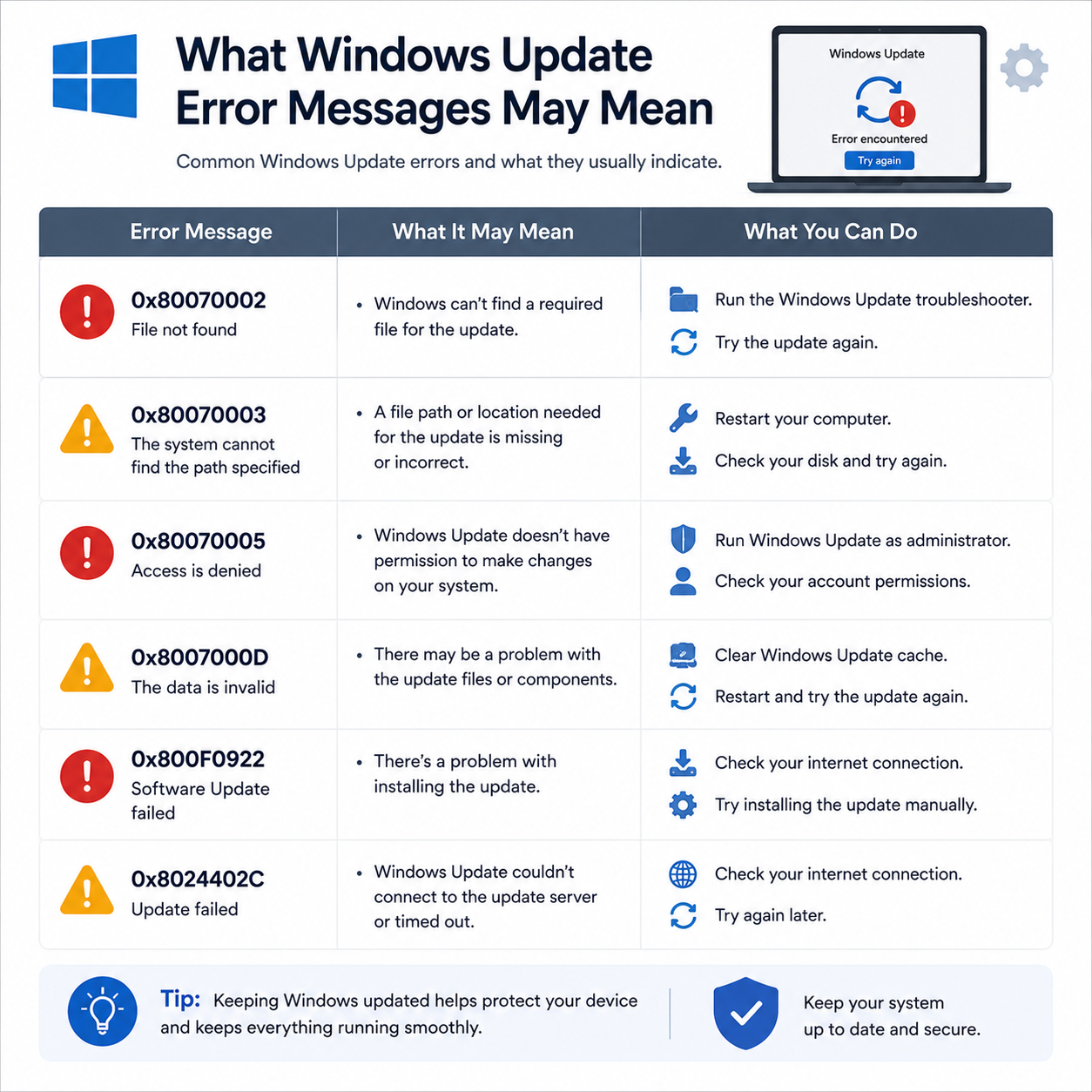
A beginner-friendly guide about update status, restart messages, update history, pending screens, and common update-related terms.
The Helping Guide shares easy reading guides about printers, routers, email, computer performance, Windows updates, and basic driver concepts.
No phone support, remote access, repair service, software sales, or service-style claims.
Learning Approach
Topics are explained from the basics so readers can understand common terms.
Simple wording for everyday users who want to learn before going deeper.
Learn why devices may need drivers, settings, updates, or connection information.
This website is made for reading, learning, and general topic understanding.
Drivers and queues
Wi-Fi basics
Sync and access
Performance
System status
Learn what this website provides, how the content should be understood, and where readers can find official documentation for deeper reference.
No phone number, no remote access, no repair service, no paid technical support, and no software selling claims.
FAQ Library
No. The Helping Guide is an educational blog. It shares reading guides only and does not provide live repair, remote access, phone support, installation service, or troubleshooting services.
Related official reading
Microsoft Learn
You can read beginner-friendly guides about printer basics, router and Wi-Fi concepts, email access, PC performance, Windows updates, and driver-related learning topics.
Related official reading
Microsoft Learn
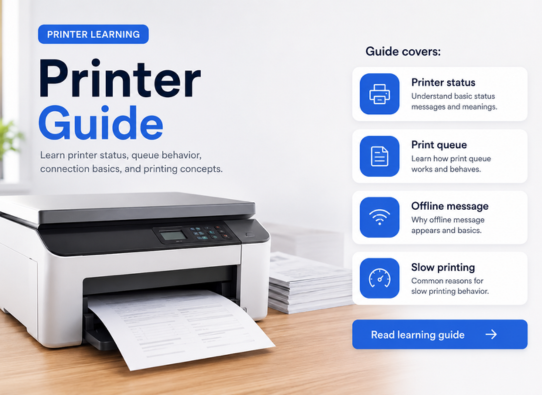
Yes. Printer articles explain common learning topics such as adding a printer, printer settings, printer connection types, default printer behavior, and print queue meaning.
Related official reading
Microsoft Support
Yes. Windows Update articles explain terms such as update status, restart messages, update history, pending screens, and why updates may require time or a restart.
Related official reading
Microsoft Support
No. The website is for reading and awareness only. It does not offer repair, remote assistance, phone-based help, paid support, or software services.
Related official reading
Google Help
Yes. The guides use simple language, organized sections, common terms, and related official references so readers can learn step by step.
Related official reading
Microsoft Learn
Browse our latest articles below. Read official reference documents linked in each guide for deeper technical learning.
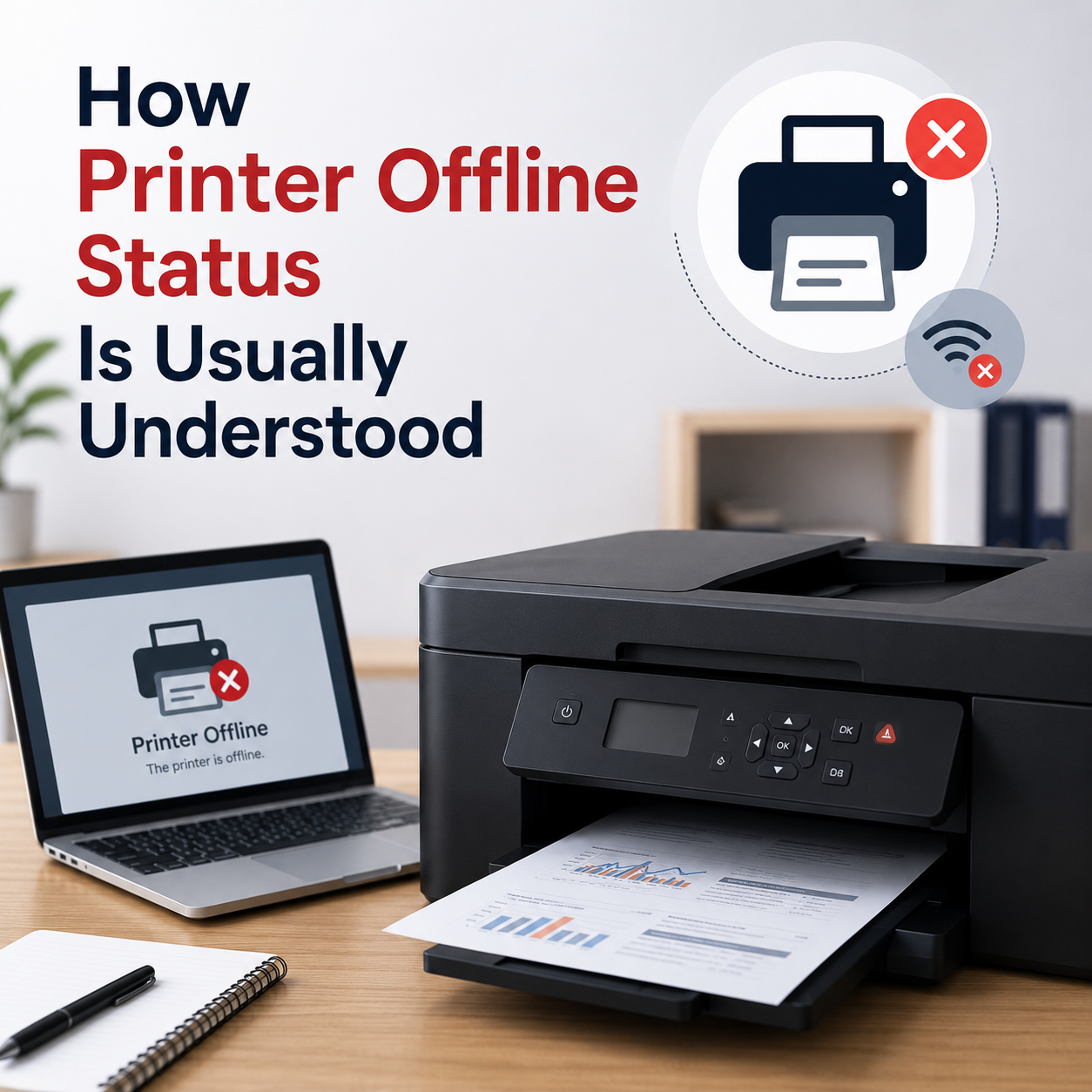
Learn what offline status may mean, how printer queues work, and why connection or default printer settings matter.
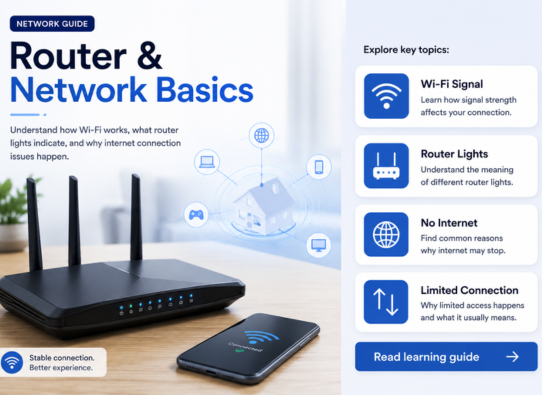
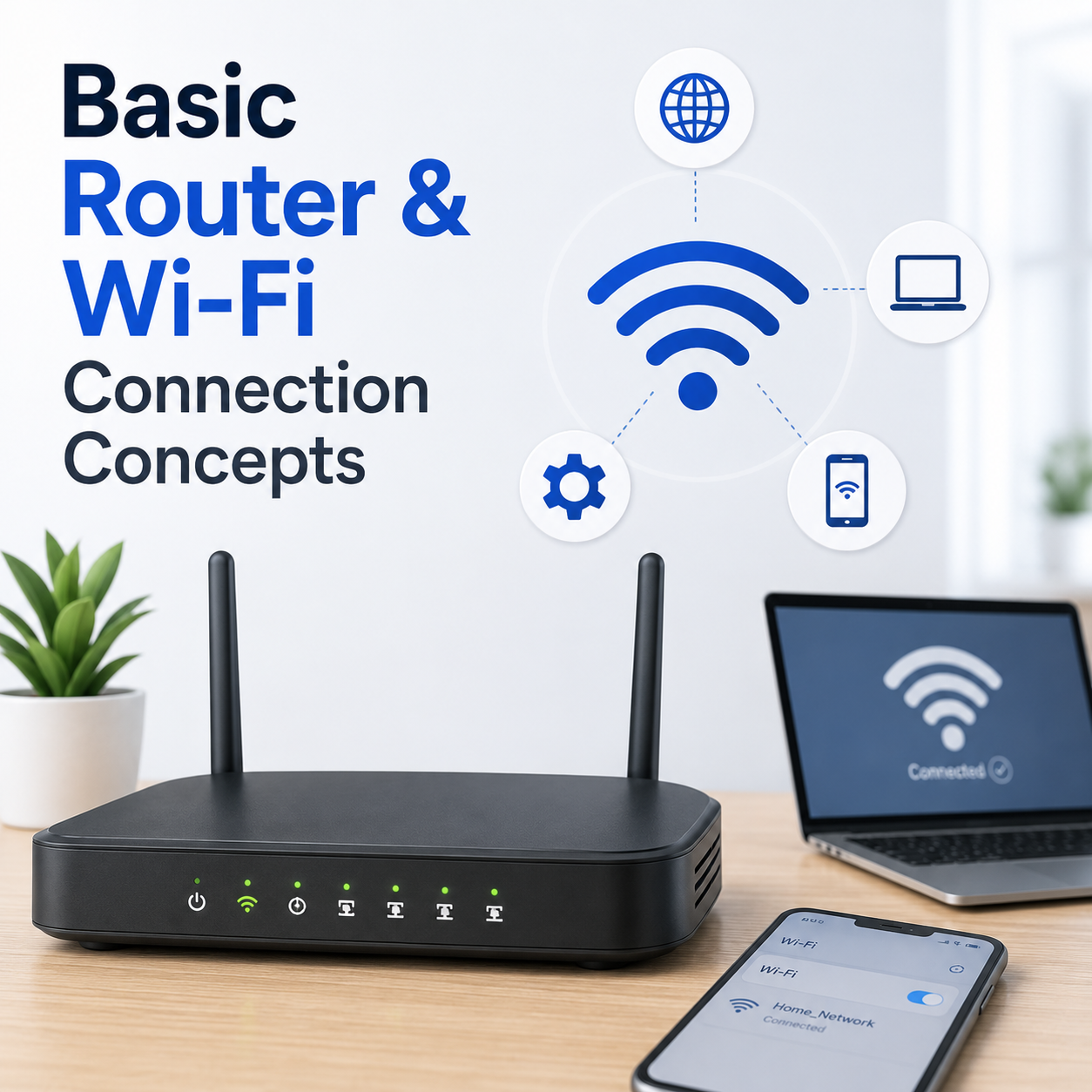
Understand network names, Wi-Fi signals, router lights, connection status, and common limited connectivity messages.
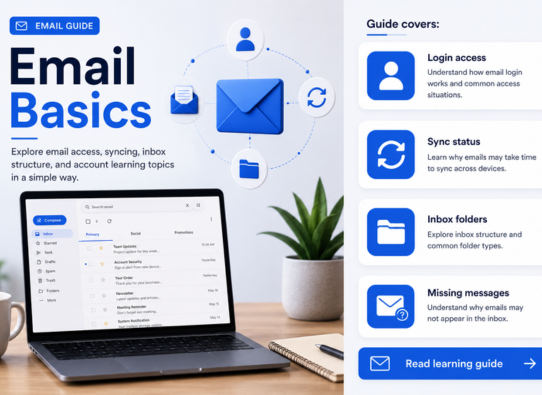
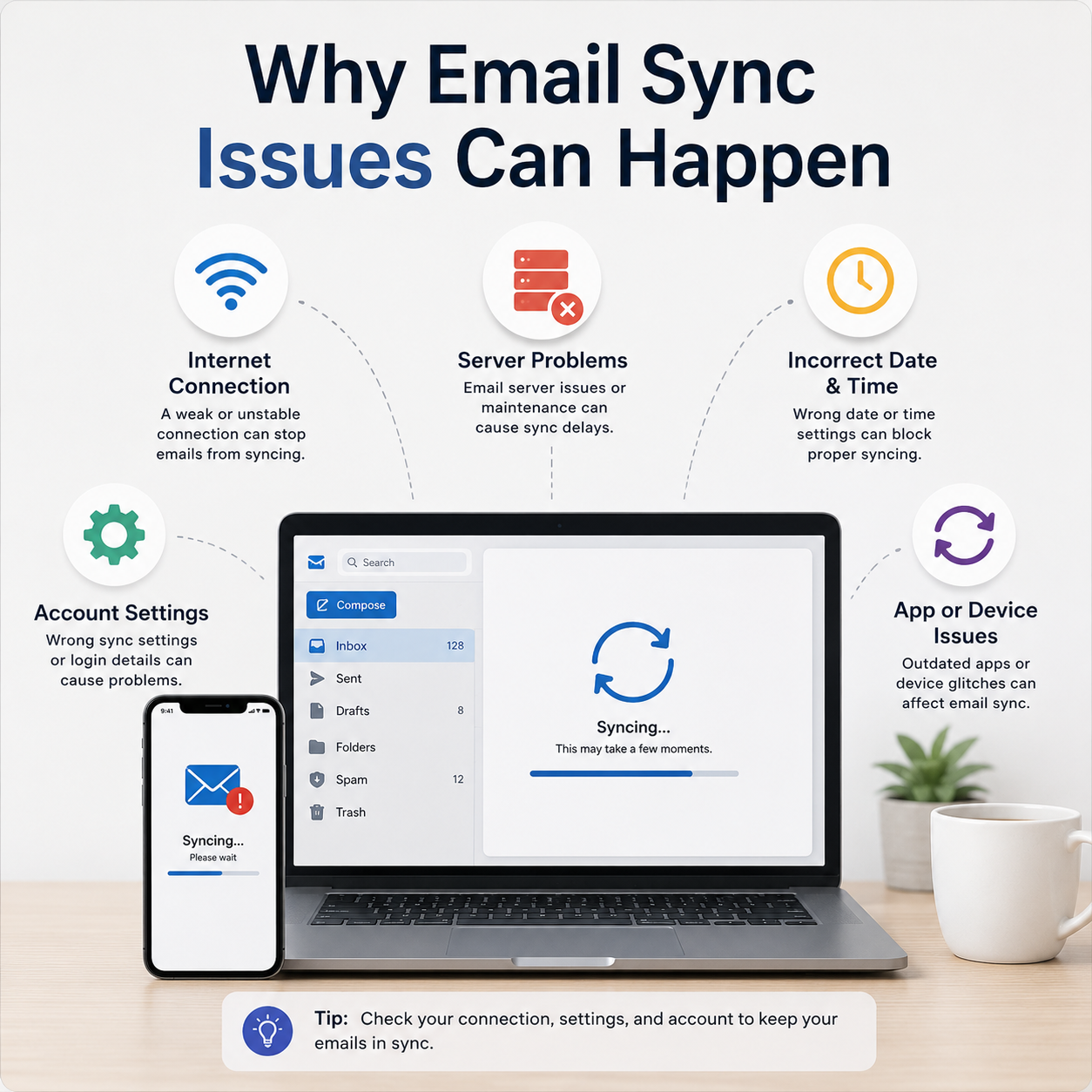
Read how inbox folders, account access, sync settings, spam folders, and mail app behavior are commonly understood.
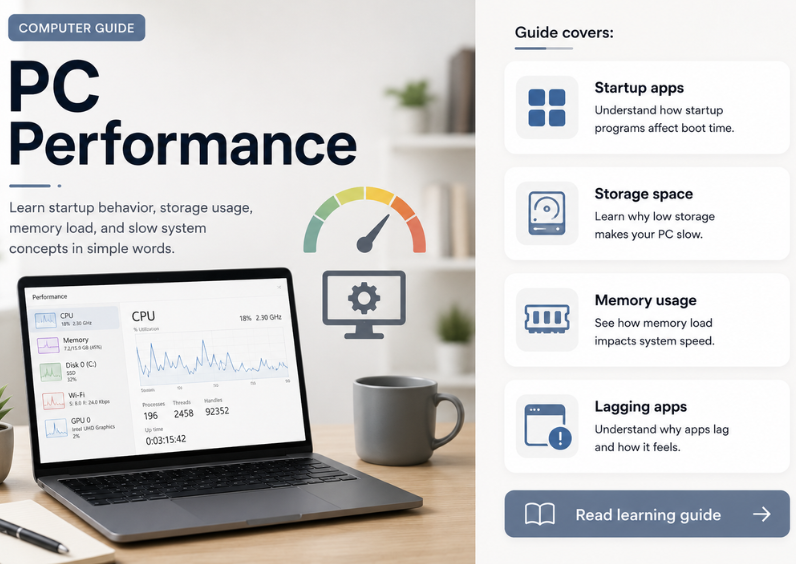
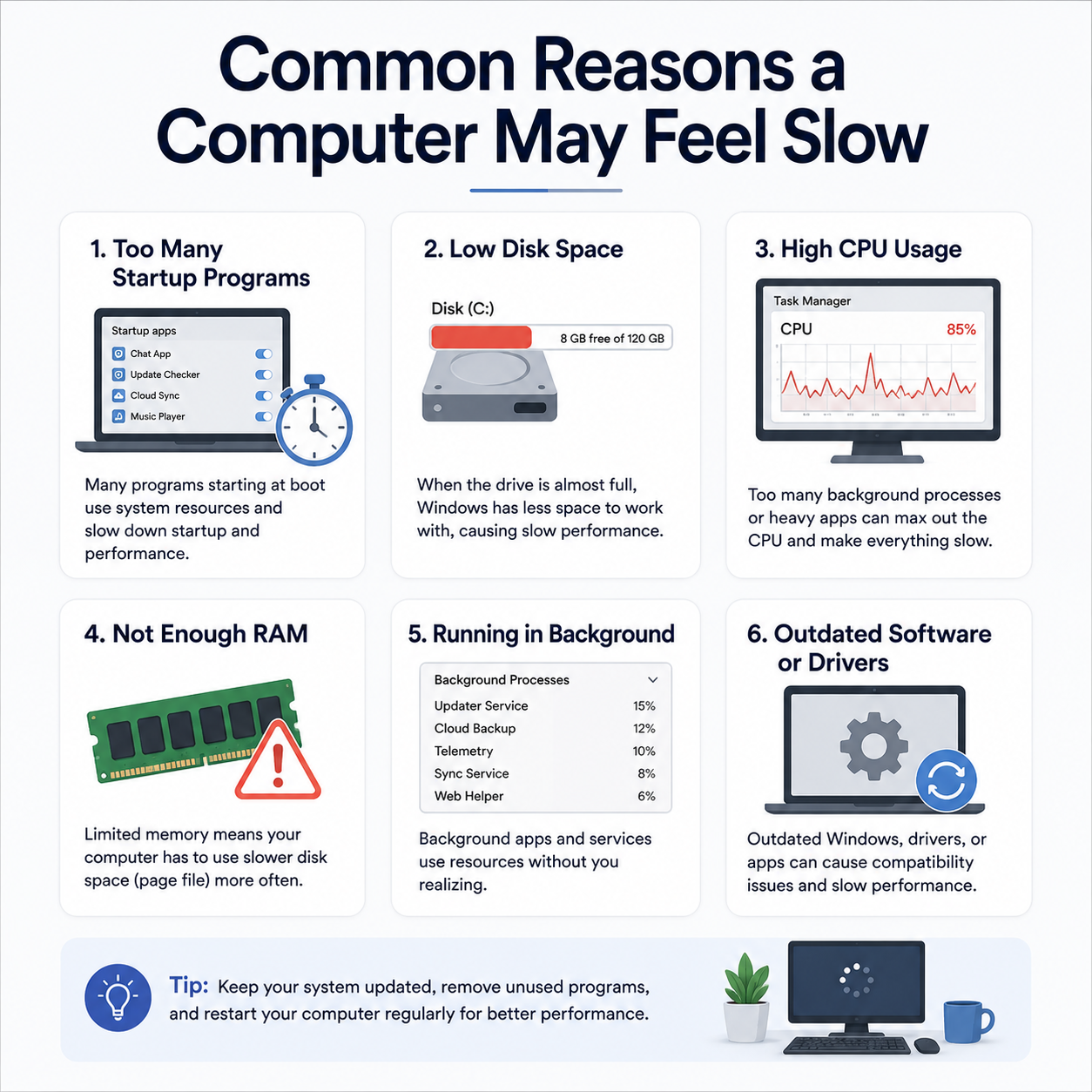
Learn common concepts behind startup items, storage space, background activity, updates, and device driver behavior.
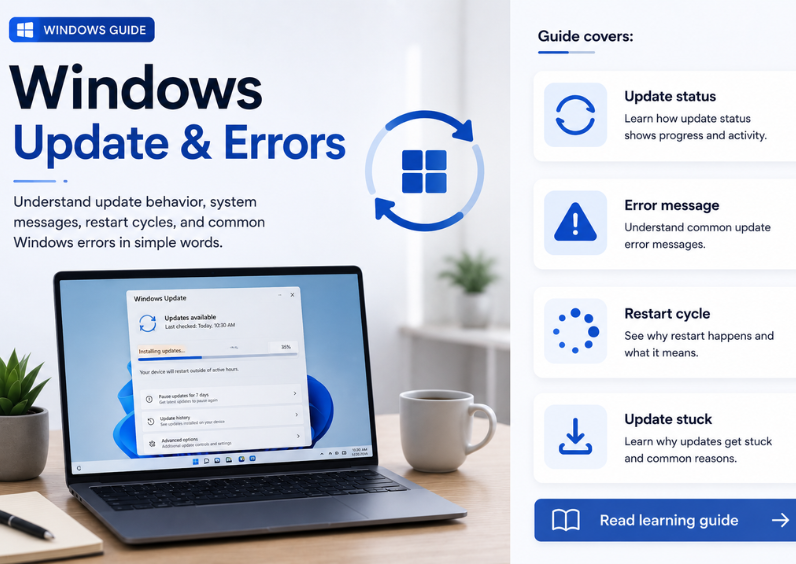
Understand update status, pending messages, restart prompts, update history, and common update-related terms.